Starting out blogging, I was under the impression it was all about the content, and sure, content is key, it's one of the most common and popular phrases available to man, but 2 years down the line, like other things in life, blogging, and what works best when it comes to marketing and promoting, has changed. You can create some of the best content possible, you could have all the facts, all the figures, all the opinions, and lets face it, all the followers possible, but without something visual, you're lagging behind, and that's never a good thing.
Create something visual on your blog post is a sure fire way to get your post gaining more views. You might be ready to read for the long haul, but 90% of information transmitted is visual, and it's processed 60,000 times quicker than text. 40% of people respond better to visual images, and over 45% of people say design plays a huge part in the credibility of brands - all more than good enough reasons to consider using visuals in some way or another on your blog. Not only that, visuals are much easier and much more likely to be shared on social media, and with an accompanying image, your post can go from cold to behold.
So why do so many bloggers not use graphics?
They don't know how to. They don't know which programs to use, or better still, they've been brainwashed into thinking the only way to create great looking visuals is through Adobe, and sure, I can't speak for Adobe, I can't afford it and therefore can't use it, (Lauren at Elle and Company has a lot of tutorials for people more interest in the 'professional' graphics route) but there are so many other great options available for bloggers lacking design experience. Even better, there are programs available online, completely free, and I'm a passionate believer in getting what you can for free before going all out.
I use two free image related programs: Picmonkey and Canva
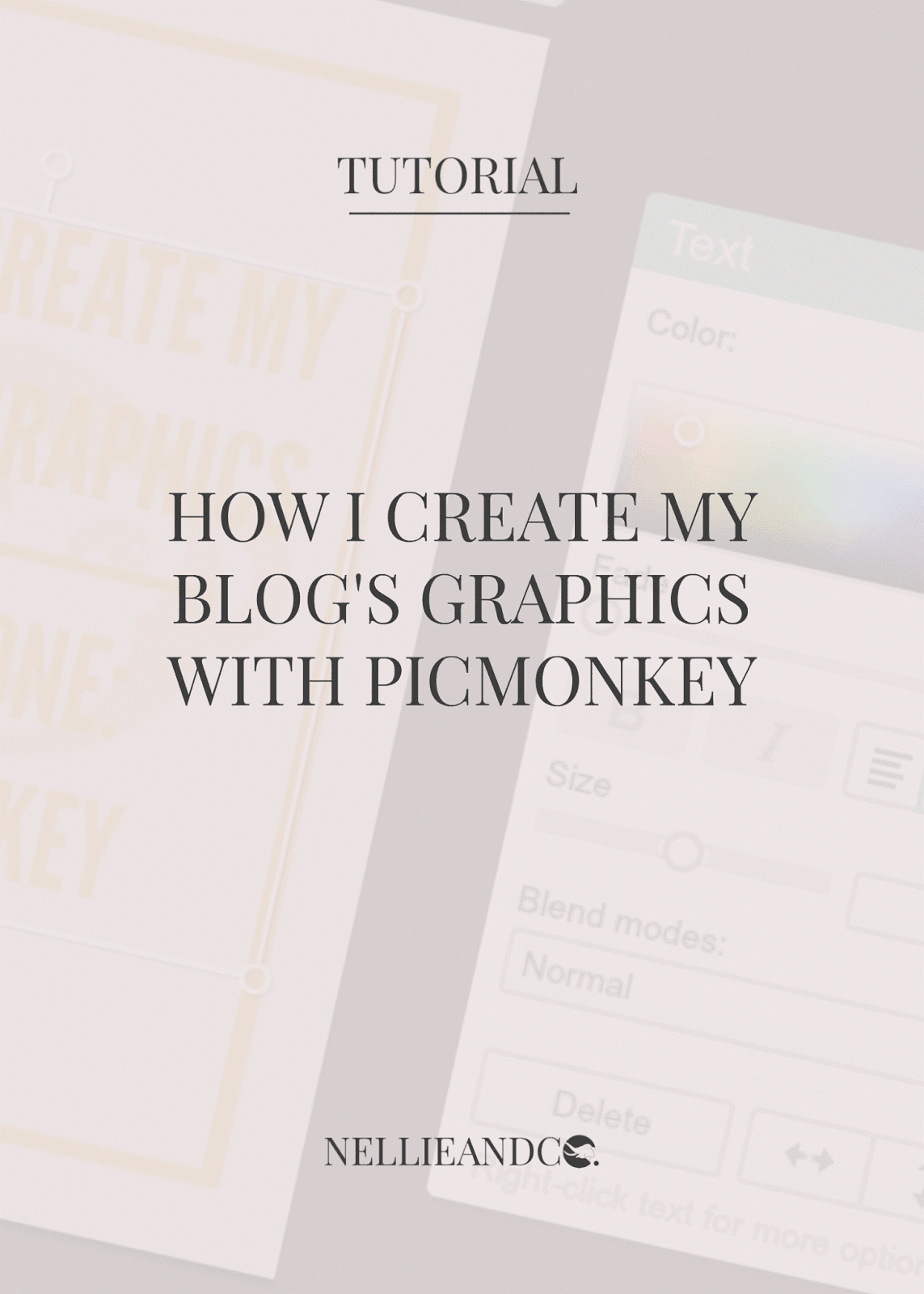
Today, I want to focus on how I use Picmonkey to create my most commonly used graphics. Picmonkey is a free to use website that allows for collage creating, image editing and creating graphics for free, although for a monthly or annual fee, you can access further features such as extra fonts, better quality clip-art images and photo editing that enrich the users experience, although I personally know of a few loop holes to gain access to these free features in other third party ways, but that is for another day. For now, here's a behind the scenes look at how I created the accompanying graphic used in this post and other graphics you've seen of a similar style across Nellie and Co.
*This post does feature affiliate links for Picmonkey. Should you choose to purchase Royal Features using my links, I will receive a small commission. For more details, please consult my
Privacy Policy.